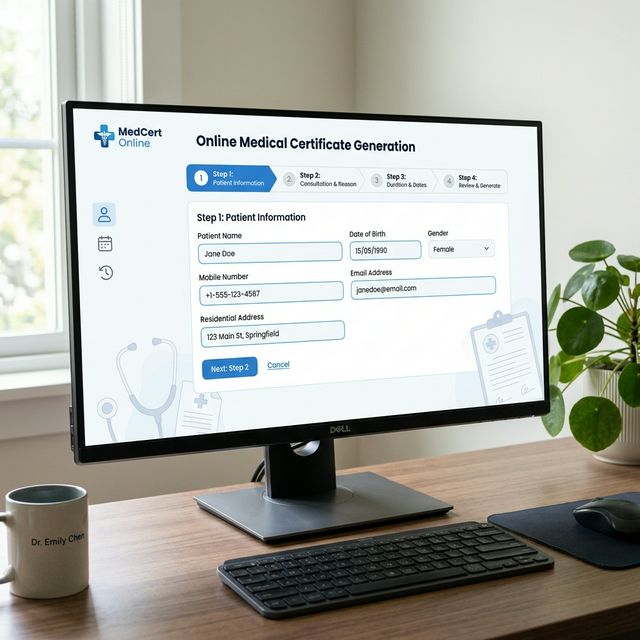
Can You Generate a Medical Certificate Online?
Yes — you can generate a medical certificate online using free tools. However, it is important to understand what "online generation" means in a legal context. Online tools produce professional template drafts that must be verified by a licensed doctor to become legally valid documents.
With that understanding, generating medical certificates online is a useful, time-saving activity for doctors, HR teams, students, and anyone who needs to understand the correct certificate format.

Step-by-Step: How to Generate a Medical Certificate Online

- Visit MedicalCertificateGenerator.co — Our free tool requires no login or registration
- Scroll to the Generator Section — Click "Generator" in the navbar or the "Generate Certificate Free" button on the homepage
- Choose Your Template Type:
- 🫀 Rx Prescription Pad — for clinical prescription format
- 🤒 Sick Leave Certificate — for workplace/school leave
- 💪 Fitness Certificate — for employment, sports, or travel
- 📄 General Medical Certificate — for insurance, visa, or institutional use
- Fill in Patient Information — Full name, age, gender
- Select Diagnosis — Choose from the dropdown or type a custom diagnosis. Enable AI Assist for professional clinical language
- Set Leave Dates — Enter the recommended rest period (from/to)
- Fill Doctor Details — Name, hospital name. Registration number is auto-generated.
- Preview Your Certificate — The live preview updates in real time
- Download — Click "Download PDF" or "Download Image" to save
- Save to History — Click "💾 Save Certificate" to store in your local history for future access
Generate Your Certificate Now
4 professional templates. Free PDF download. No signup.
Start Generating →What Details Do You Need to Generate a Medical Certificate?
- Patient Name — Full legal name
- Age & Gender — Current age in years and gender
- Diagnosis — The medical condition (our AI Assist can help with proper terminology)
- Leave Duration — Start and end dates for recommended rest
- Doctor's Name — The issuing doctor's full name
- Hospital/Clinic Name — Full name of the medical institution
- Date of Issue — Auto-filled with today's date (editable)
Online Generation vs. Real Medical Certificate
| Feature | Online Template | Real Certificate |
|---|---|---|
| Physical examination required | ❌ | ✅ |
| Doctor's signature & stamp | ❌ | ✅ |
| Legally valid for submission | ❌ | ✅ |
| Instant generation | ✅ | ❌ |
| Free to use | ✅ | ❌ (consultation fee) |
| Professional format | ✅ | ✅ |
Frequently Asked Questions
Using our generator, you can create a complete certificate template in under 2 minutes once all details are ready.
No. Our tool is completely free with no signup required. Just visit the page and start generating.
Yes. We offer four formats: Rx Prescription Pad, Sick Leave, Fitness Certificate, and General Medical Certificate.
Yes. You can download it as a high-quality PDF or as a PNG image, depending on your preference.